How to set product prices on the client area

Step 1 

-Log in to your client area and direct your self to partners hub.

Step 2

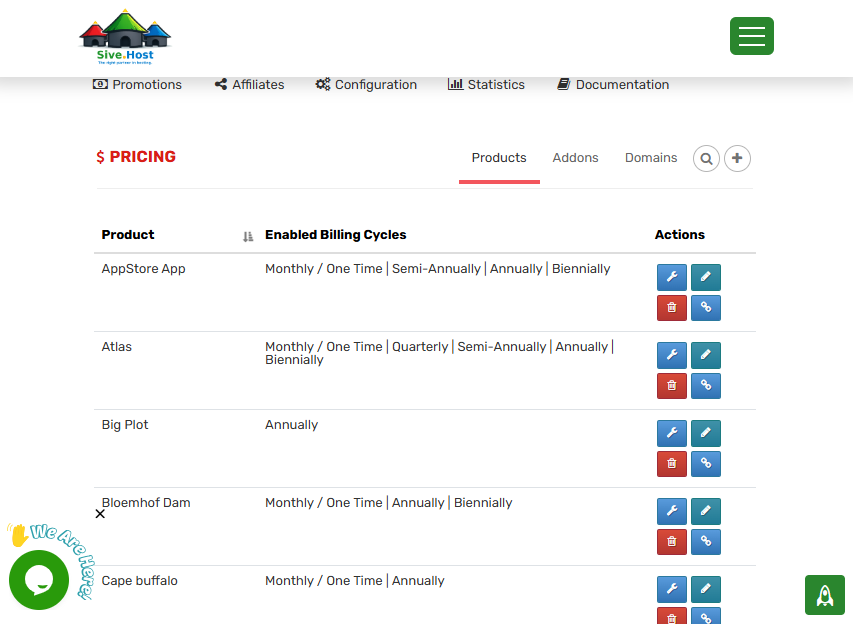
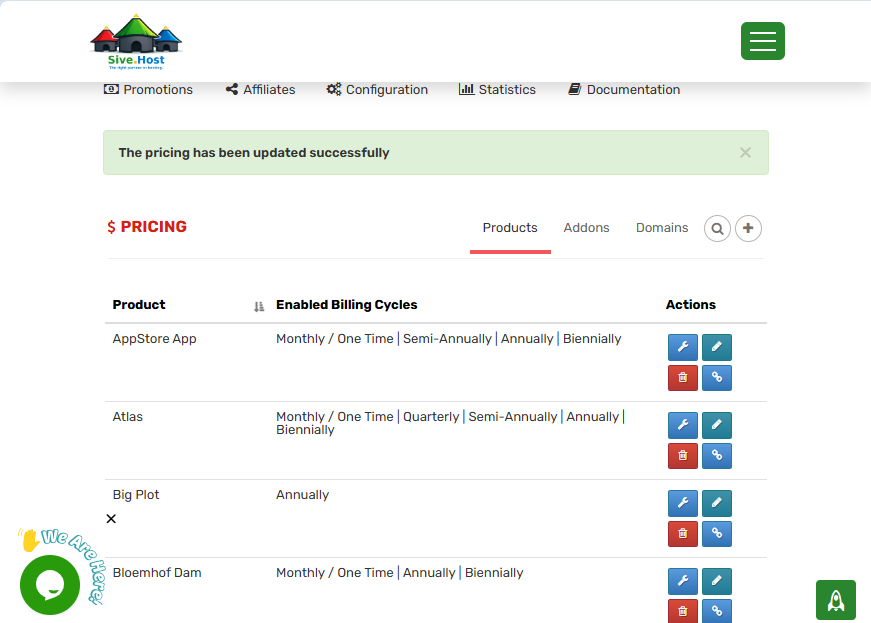
-Above your partnershub page click on pricing

Step 3

-On your top right there is an additional option (+), you click the button.
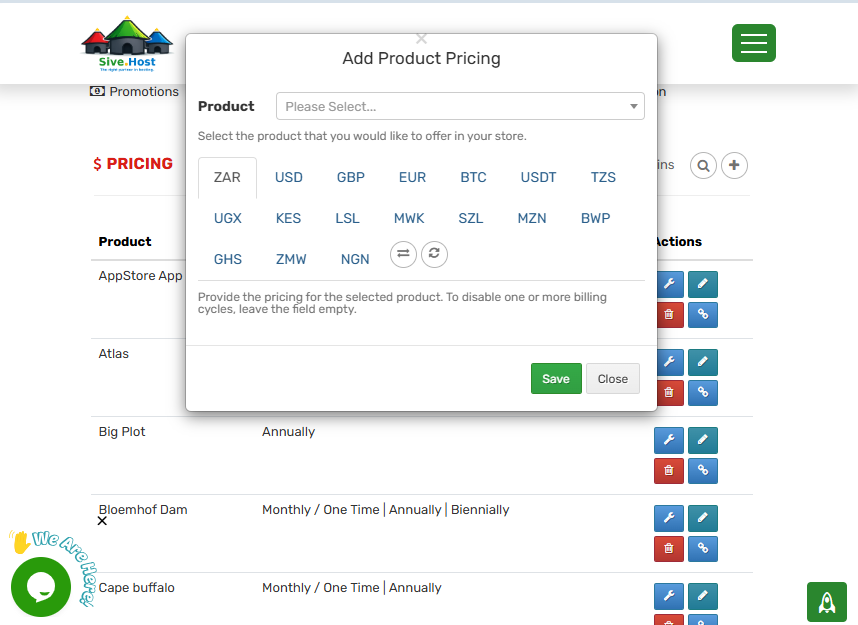
Step 4

-Select the currency of the product you have chosen to name.
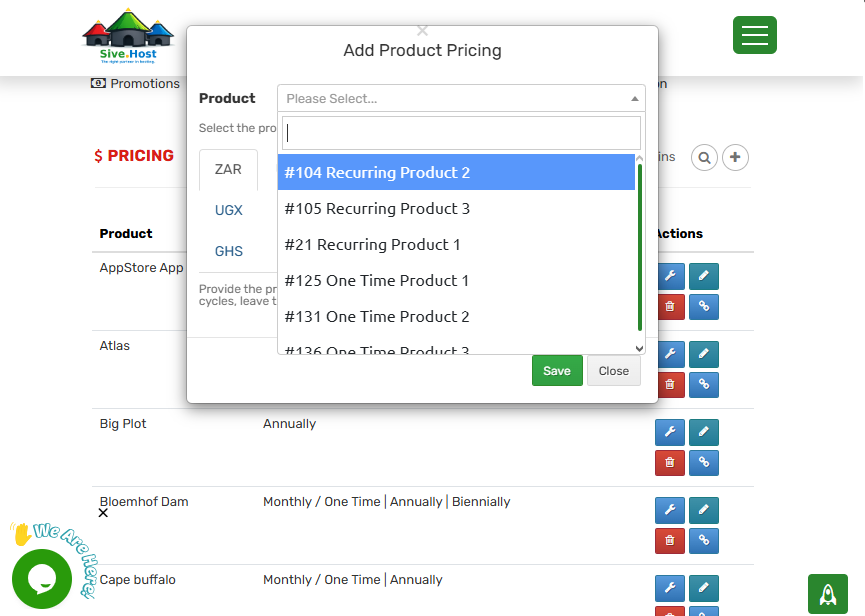
Step 5

-Select the product you would like to price.
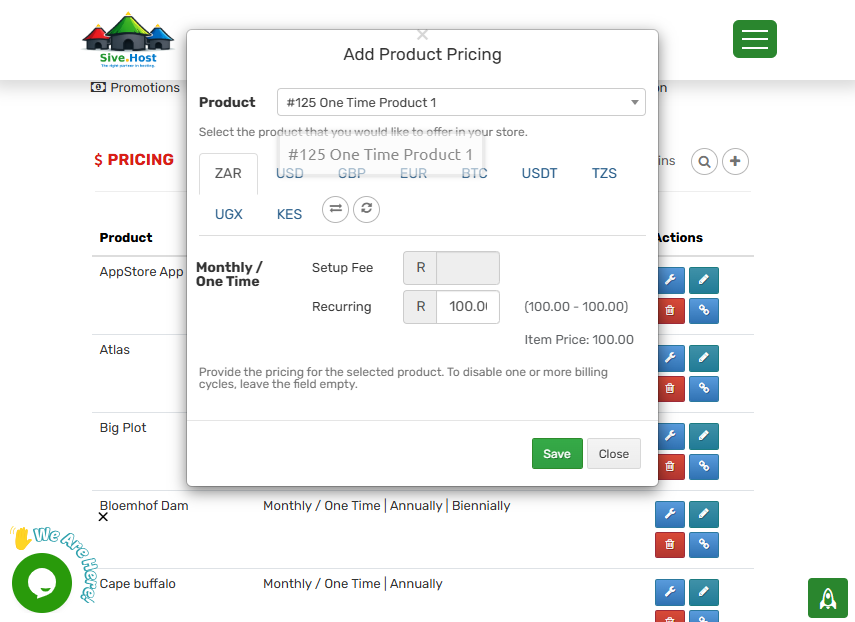
Step 6

-Select the amount of the price you want to have on your product and click on save.
Step 7

-Your product is successfully saved and prized.
  • 0 användare blev hjälpta av detta svar
Hjälpte svaret dig?

Relaterade artiklar

How to Access Partners Hub on the Client Area

As a partner, you will empower you to carefully manage all acquired customers together with...

Partners Hub Products

Product Categories   Group Name: PartnersHub Shared Hosting   Launch...

Getting Started With Your PartnersHub Store

This guide explains what to prepare after your PartnersHub service has been activated and how to...

How to Add/Create Clients on Partners Hub

How to Add/Create a Client in Partners Hub This article explains how to create a new client...

How to create a promotion

How to Create a Promotion. Step 1: Access the Partners Hub.  Log into your account at...